How to Watch Lots of Webinars and Stay Sane
Chaotic notes from someone who watches lots of webinars
* * *
Increasing playback speed is a life-saving action. YouTube provides two magical key combinations: Shift + → (speed up by 25%) і Shift + ← (slow down by 25%). You can speed up a video a maximum of 2 times and slow it down up to 4 times. You tend to use these shortcuts so frequently that you start noticing several phenomena:
- While talking with some unhurried person, you press the speed-up button in your mind and get annoyed because it doesn’t work. When will British scientists invent a way to speed up offline people?
- You don’t recognize the “normal” voices of those whose videos you usually speed up.
- You begin to respect people who articulate their thoughts into words clearly and concisely. It is quite a rarity.
- But all this works only when you are watching a recording of a webinar. If you are watching a webinar live, brace yourself.
* * *
5-minute long microphone setting is extremely irritating: “Do you hear me? Do you hear me now? And now? Oh, and now I don’t hear you.” If you are editing videos for YouTube, please have mercy on your listeners and cut off this idle talk.
* * *
When a speaker talks slowly, you can deal with it by speeding them up, but there is nothing you can do when a speaker runs on about a matter that could be easily described in two sentences. Only fast-forwarding by pressing the right arrow can save you in this case: one pressing brings you 5 seconds forward.
* * *
Openings are enemies. A one-minute opening is sure to annoy your listeners, no matter how beautiful it is.
* * *
Super useful YouTube keyboard shortcuts: numbers 0–9. They enable moving quickly through the video: 0 brings you back to the very beginning, 1 brings you to the 10%, 2 brings you to the 20%, and so on.
* * *
Those who split videos into logical parts are true heroes of our time. To move between the parts, press Ctrl + left-right arrows.
* * *
Two more useful keyboard shortcuts:
- F—switch to full-screen mode and back
- C—turning subtitles on and off
* * *
What you should know about subtitles is that in 99% of YouTube videos they are automatically generated: with all the corresponding consequences, and if you watch translated videos, get ready for both recognition and machine translation errors. A responsible video author carefully checks and edits the subtitles, corrects errors, and deletes sighs and erms.
Recommended content
How to Fix the “LNG Is Missing” Error in MultiTerm
How to Fix the “The Specified Project Name Is Invalid” Error in Trados Studio
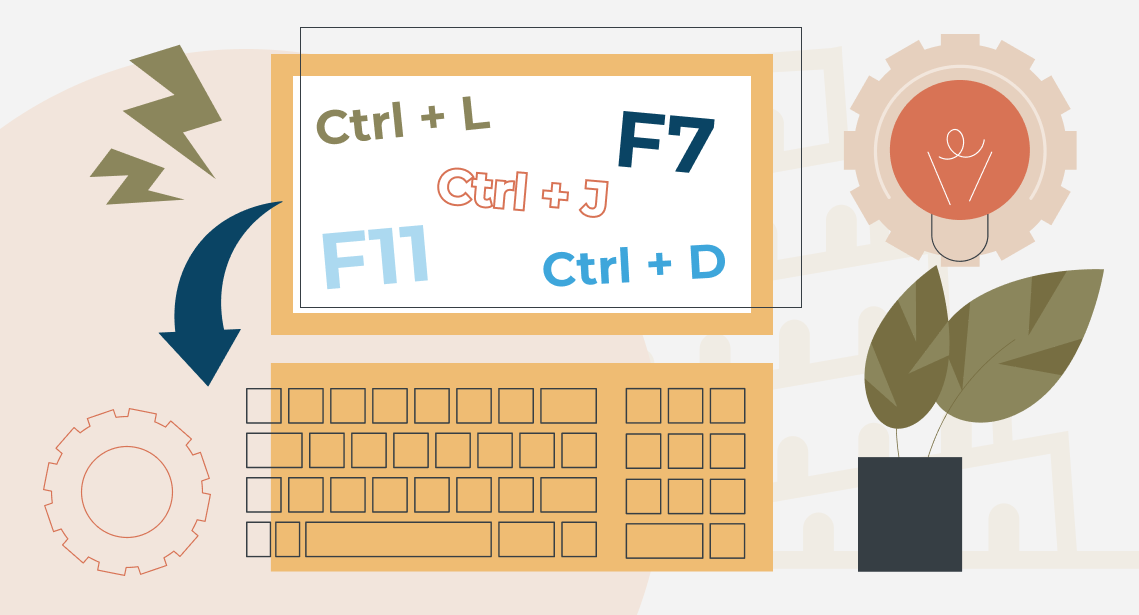
Useful Keyboard Shortcuts for Browsers

How to Fix the “Error processing command line arguments” Issue in Trados Studio


