our blog
New memoQ Version 9.4
16 June 2020
A few words about the changes in the new memoQ version
Recently, a new memoQ version has been released—9.4. Key changes:
- If any grammar issue is detected in the segment, then the specific section with the error gets underlined instead of the whole segment. Similarly to Word, grammar issues in memoQ are underlined in blue.
- Direct import of Trados Studio translation memories has been added. Previously, you would need to export an SDLTM file into an exchange TMX format first (translation memory exchange) and then import it into memoQ. Starting from version 9.4, memoQ allows instant import of SDLTM files, without any intermediate conversions.
- Integration with Protemos has been implemented. From now on, a single click is enough to create a memoQ project out of a Protemos project or, vice versa, immediately create a symmetric Protemos project for an existing memoQ project.
- Numerous changes and improvements concerning the use of machine translation plugins.
And a lot of other stuff has been added.
Recommended content

How to fix the «Failed to load project from …» error in Trados Studio
About another error in Trados Studio Let’s analyze the Trados Studio error: Failed to load project from … There is an error in XML document (X, Y). Unexpected end of file has occurred. Unexpected end of file while parsing Name has occurred. The error is caused by a violation of the structure of the SDLPROJ […]
A Few Abbreviations Every Technical Translator Should Know
Useful information for technical translators Here is are a few abbreviations you will encounter regularly if you work in technical translation:

How to Prevent Data Loss If Your CAT Tool Crashes
Useful tips about working with CATs If your CAT tool crashes and there is a risk of losing the completed portion of your translation, the first priority is to preserve the work you have already done. Only after securing the data should you attempt to fix the issue. Otherwise, you may have to redo the […]

Why Word May Refuse to Check Spelling
Useful tips about working in Word Why Word may refuse to check spelling: Go to File → Options → Proofing, then select the Check spelling as you type checkbox and clear the Hide spelling errors in this document only checkbox (see image). Select the text you want to check, then verify that the correct language […]
How the Ctrl + G Key Combination Works in Different Programs
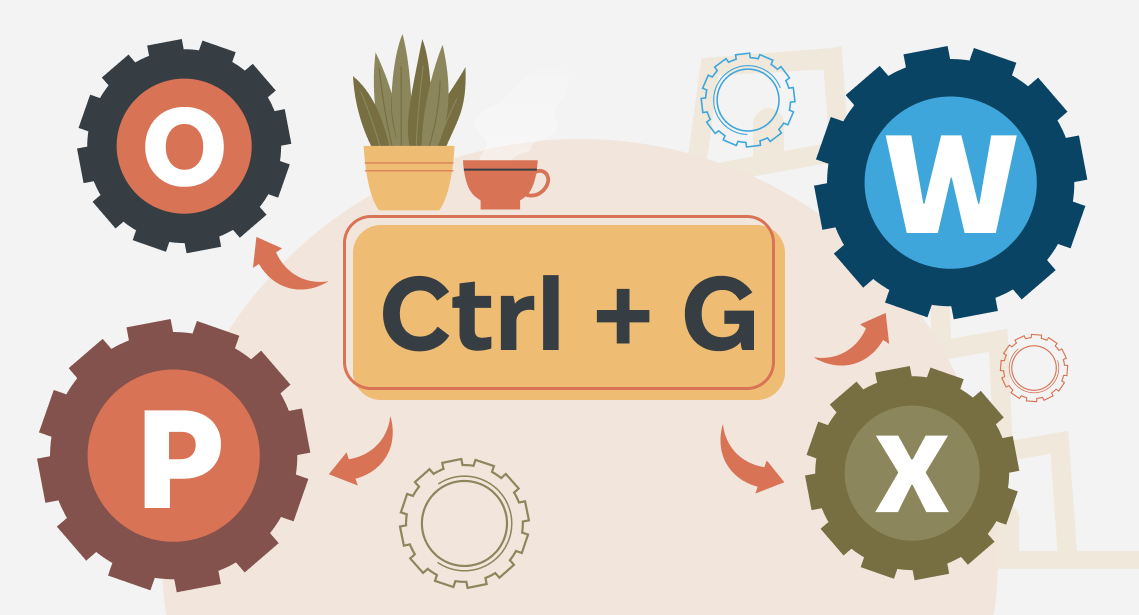
The Ctrl + G shortcut is one of the most underrated navigation tools across modern applications. Whether you work in a browser, Word, Excel, or a CAT tool, this key combination lets you jump to a specific location instantly—a line, page, cell, segment, or the next match. Because many users rely only on Ctrl + […]

