Translation Management Systems Explained: How to Choose the Right Solution for Your Business
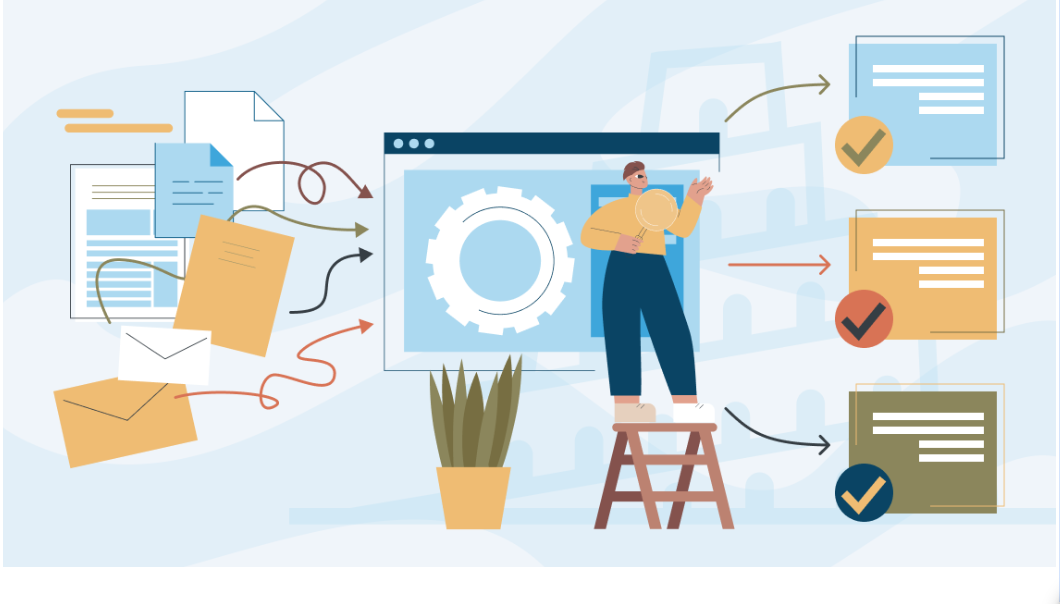
Imagine you need to launch your website and marketing campaigns across Spain, Germany, and Japan next month. To make that happen, you have to coordinate a dozen different people: in-house translators, external agencies, copywriters, UI designers, developers, and local market specialists.
Now, reality sets in without a central system. Your project managers spend hours emailing back and forth with freelancers. Translators guess how words fit onto app buttons because they lack visual context. Editors accidentally overwrite text strings in shared spreadsheets. Reviewers miss crucial updates when developers change source files at the last minute, forcing the team to start parts of the project completely from scratch.
The margin for miscommunication grows with every new language. To eliminate these coordination bottlenecks, growing businesses need to use modern translation management systems.
What translation management system (TMS) is
A translation management system (TMS) is software designed to automate, organize, and centralize the localization process. One platform allows to manage terminology, translation memory, machine translation, and review, so there’s no need for juggling all different types of files and completing repetitive or manual tasks.
Businesses use translation management systems (TMS) to speed up multilingual content delivery and maintain consistent translations across languages and markets. Think of an online store updating 50 product pages for an existing catalog. Without the right tools, this simple update quickly turns into a headache. You have to coordinate translators, designers, and developers. You also have to manage a dozen extra manual steps: copying strings, exporting files, checking layouts, and fixing broken code.
A translation business management system solves this in seconds. It automatically checks the text against your stored translation memory and routes tasks step by step to every team member. Nobody wastes time on repetitive tasks, and your business saves both time and money.
TMS workflow:
- Extract text: Separates text from code
- Match database: Uses translation memory
- Assign tasks: Sends work to translators
- Translate & edit: In-context editor & QA checks
- Export content: Ready for publishing
What a TMS manages
A translation management software organizes the entire localization workflow in one single platform:
- Linguistic assets: It stores your translation memories (TM) and term bases (TB). Translators never have to retranslate identical sentences because the software recalls them instantly.
- Project tasks and deadlines: It coordinates schedules, job assignments, and handoffs between writers, translators, and editors.
- Code and file formats: It safely handles complex developer formats like .json, .xml, .po, or .yaml without corrupting code variables or system tags.
- Linguistic quality assurance (LQA): The system manages automated quality checks, enforcing rules for character limits, missing tags, punctuation, and terminology compliance.
- Vendor operations: Built-in translation project management features word count calculation, costs estimation, and external language agencies tracking.
TMS vs. localization and globalization management systems
These three terms describe different levels of international operations.
A translation management system (TMS) focuses on the translation workflow. It uses automation, linguistic databases like translation memory, and quality assurance checks to translate words efficiently from a source language into target languages.
A localization management system (LMS) goes beyond text translation to adapt the complete user experience for specific regions. It handles cultural nuances and regional imagery adjustments to make the product look and feel completely natural to local buyers.
An enterprise globalization management system (GMS) operates at the strategic business level. It coordinates international brand governance and global legal compliance.
Why businesses use translation management systems
Businesses use a translation management system to eliminate manual administrative work, release localized products faster, keep brand voice consistent, and cut translation costs.
Investing in specialized translation management solutions delivers clear advantages:
- Faster market launches: Automated workflows let you release product updates in multiple languages at the exact same time.
- Lower localization costs: Storing approved sentences in a translation database cuts repeat translation costs by 30% to 60%.
- Consistent brand tone: Core glossaries make sure your brand voice and technical terms stay identical across all content.
- Easy scalability: Your team can manage dozens of languages without hiring extra project coordinators.
How a translation management system works
A translation management platform takes your source content, checks it against saved translations, assigns tasks to linguists, offers an online workspace, and publishes finished files.
Here is how a translation management system operates across five production steps.
Content intake and file preparation
The process starts when a translation content management system connects directly to your content tools, such as GitHub, Figma, WordPress, Contentful, or Zendesk.
The platform pulls the text and protects the underlying code tags. Translators see only the sentences they need to translate, with no risk of breaking code.
Matching and asset pre-translation
Next, the system scans the text against your translation memory and term base glossaries.
If a sentence was translated before, the system fills it in right away. For new text, the platform can run machine translation (MT) engines like DeepL or Google Translate to give linguists a starting draft.
Assigning translation and review tasks
The platform checks the project type, and word count. An automated translation workflow management system assigns tasks to the right translators or agencies based on your setup.
Collaborative translation and quality control
Linguists work in a clean web browser editor. The tool displays the source text on the left and target text on the right, along with term glossaries, translation memory suggestions, and live visual previews.
The editor also includes built-in communication tools. Translators, reviewers, and project managers can leave comments, ask questions about specific strings, and resolve issues directly inside the workspace without endless email chains.
At the same time, built-in translation quality management tools check the text in real time. They instantly flag missing code tags, incorrect numbers, formatting typos, and capitalization errors before the file moves to the next stage.
Final assembly and target publishing
Once reviews and approvals are complete, the TMS puts the translated text back into the original file format.
The system can push the finished files back to your website, app, or help desk automatically, without requiring developer time.
Key translation management system features
A reliable online translation management system combines easy project controls with practical translation tools.
Here are the key features to look for:
| Feature | Purpose | Value |
| Translation memory (TM) | Stores previously approved sentences in a database. | Avoids translating the same text twice and saves money. |
| Glossary management | Lists approved and forbidden brand terms. | Keeps brand messaging clear and accurate across languages. |
| In-context editor | Shows a live preview of the page or app screen. | Helps translators fit text into the design and avoids UI bugs. |
| Automated QA checks | Scans for missing tags, numbers, and punctuation. | Catches formatting mistakes before publishing. |
| Machine translation (MT) | Connects with DeepL, Google, etc. | Speeds up initial translation drafts. |
| Vendor management | Tracks vendor rates, word counts, and tasks. | Cuts down on manual project tracking and paperwork. |
| Communication tools | Provides a platform for commenting. | Creates a space for collaboration. |
| APIs and Webhooks | Connects directly to code repos and CMS platforms. | Automates content delivery without manual file exports. |
Translation management system integrations
When setting up your TMS translation workflow, solid integrations ensure the platform connects directly to the apps and services your team already uses every day.
- Code repositories (GitHub, GitLab, Bitbucket): Developers push code normally. The TMS grabs new strings on pull requests and pushes translated files back automatically.
- Content management systems (WordPress, Contentful, Drupal): Marketers can send articles to translation management services with one click right from their CMS.
- Design tools (Figma, Adobe XD, Sketch): Designers can test translated text inside layouts to catch issues.
- Customer support (Zendesk, Salesforce): Support teams can localize help center articles quickly to help international users find answers in their own language.
When a business needs a translation management system
A business needs a translation management system online when manual emails, spreadsheets, and file copying slow down product launches and cause costly mistakes.
Here are common signs that indicate it is time to use translation management tools:
- You support more than three languages: Managing multiple languages through spreadsheets leads to lost files and mistakes.
- You ship updates frequently: If developers release features every week, manual translation processes cannot keep up.
- Your translation costs keep growing without clear ROI: You repeatedly pay full price to translate identical phrases.
How to choose the best translation management system
Choosing the right platform is not just about picking the tool with the most features. It is about matching the software to your specific content, team structure, and everyday workflows.
Every company handles translation differently. Before you invest in any software, you need to understand where your content lives and who handles it. Adding the wrong tool can add more complexity instead of removing friction.
You should also look ahead at how your business will expand over the next few years. A system that works well for two languages and a few documents might fail when you need to support twenty languages with daily updates.
Take the time to evaluate how easily each platform fits into your existing technology. A well-chosen system should integrate smoothly with your daily apps so your team can work faster without changing their entire routine.
Follow this simple checklist to evaluate your options and find the best fit for your business:
Define your localization goals and requirements
Look at the main types of content you produce. Tech teams need developer tools like CLI support, branch workflows, and GitHub integrations.
Marketing teams care more about live visual previews, CMS plugins, and simple review processes. Knowing your primary content type helps you choose the right platform.
Evaluate supported languages and content types
Make sure the platform works with all your current and future file types, such as Markdown, XML, JSON, or mobile strings.
Check that the tool easily handles right-to-left languages like Arabic and Hebrew, as well as Asian languages with complex character sets.
Assess the pricing model and total cost of ownership
Vendors use different pricing structures:
- Word volume: Pricing depends on how many words you store or process in the platform.
- User seats: You pay per user seat for project managers, reviewers, or translators.
- Tiered plans: Check what happens when your content grows to avoid surprise price jumps.
Verify enterprise security and compliance standards
Your product text and company files pass through the platform, so security is critical.
Look for tools that provide SOC 2 Type II reports, ISO 27001 certification, GDPR compliance, Single Sign-On (SSO), two-factor authentication, and clear user permissions.
Translation management systems comparison
Different TMS excel in different areas. Here is the comparison of the top options:
| Platform | Best for | Main strengths | Setup type |
| Phrase | Mixed enterprise content and localization workflows | Strong CAT editor, AI translation capabilities, and reliable CMS connectors | Cloud |
| Lokalise | Mobile and web apps | Developer-friendly CLI, clean interface, and direct Figma plugins | Cloud |
| Smartling | Enterprise websites and apps | Built-in translation agency services and clear reports | Cloud / Proxy |
| Crowdin | Agile development teams | Huge app marketplace, great Git integrations, and branch workflows | Cloud / Self-hosted |
| memoQ | Translation agencies and heavy text | Desktop app option, and advanced linguistic tools | Cloud / On-premise |
Conclusion
Entering new international markets helps your business grow, but managing translations by hand quickly creates a mess. When you only rely on spreadsheets and emails, your team wastes time on repetitive work. Important copy gets lost, translations take too long, and errors slip into live products.
A modern translation management system solves these problems by bringing your entire localization workflow into one place. Developers, marketers, project managers, and translators all work inside a single platform.
Built-in translation memory databases and term bases make sure you never pay to translate the same phrase twice. They keep your brand voice consistent and cut overall translation costs over time. Automated quality checks and live visual previews help linguists work faster with fewer mistakes.
To choose the right TMS, look closely at your content types, file formats, and required integrations. Make sure the platform offers predictable pricing, strong security, and room to grow.
A good TMS takes the friction out of translation so your business can launch quality multilingual content and reach global buyers on time.
Recommended content

How to Run a Tender for Ukrainian Translation Services

How to Localize E-commerce Product Descriptions to Boost Global Conversion Rates
Translation vs. Transcription: What Is the Difference?

What Is Transliteration? How It Differs From Translation and Transcription