Cherokee Writing System: Familiar but Weird
About using symbols
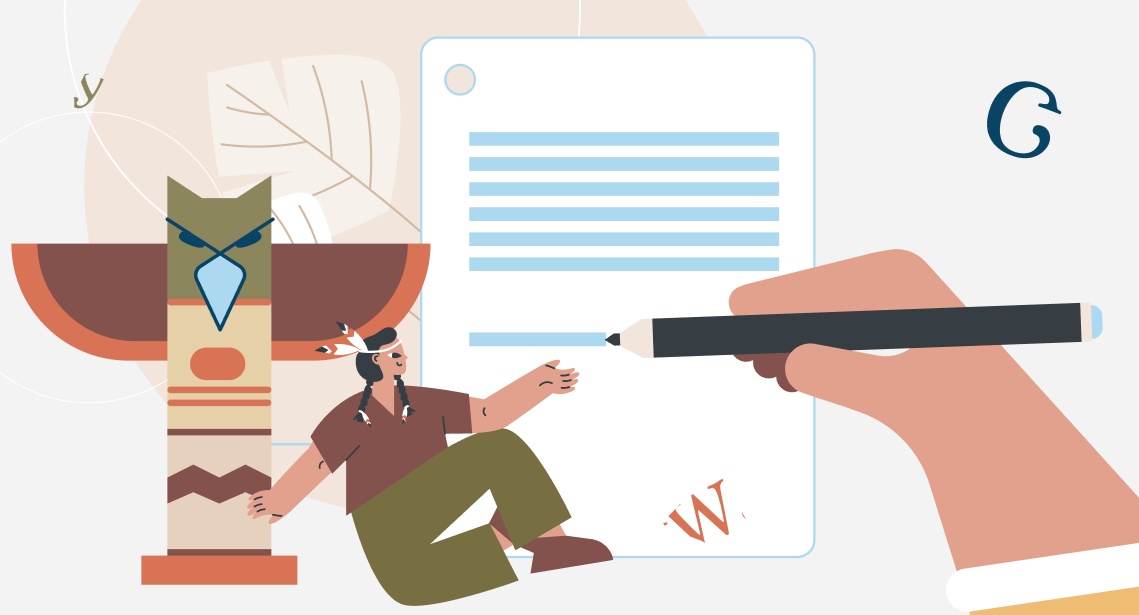
A Native American chief named Sequoyah, also known to the world as George Guess, knew no English but often saw European settlers writing in it. His native language was Cherokee, which at that time (the early 19th century) did not yet have an alphabet.
Realizing that sounds could be represented by signs and rendered on paper, Sequoyah decided to develop his writing system for the Cherokee language. After numerous unsuccessful attempts, he collected various icons and manually, according to a principle known to him alone, attributed different sounds to them.
Sequoyah did not know Latin letters and, apparently, numbers either. And he had no prejudices: that this icon usually sounds like this, and this one like that. Moreover, each icon in his system denoted a whole syllable.
Thus, in 1821, unlike anything else and at the same time similar to everything, a syllabary was born consisting of as many as 86 letters. And in 10 years, 90% of the members of the Cherokee tribe already knew how to write in it. Interestingly enough, the then-European settlers could not even dream of such a level of literacy.
For a person accustomed to traditional Latin letters, the Cherokee alphabet is shocking. The letters look familiar but mean something completely different. Here is an example of how they are pronounced:
- I = qua
- H = mi
- 4 = se
- Ь = si
- Z = no
- W = la
This is how an illiterate Native American created a fundamentally new writing system. It has successfully survived to this day, and you can even find it in Unicode.
Recommended content

How to Fix the “LNG Is Missing” Error in MultiTerm

How to Fix the “The Specified Project Name Is Invalid” Error in Trados Studio
Useful Keyboard Shortcuts for Browsers

How to Fix the “Error processing command line arguments” Issue in Trados Studio