our blog
Grammarly Keyboard, New Languages in DeepL, Group Transcribe from Microsoft, and Google Translate Superpowers
14 May 2021
Linguinews
- Grammarly Keyboard has learned to recognize the overall tone of a written message and define the kind of impression your text conveys to the readers. They say it can even detect sarcasm (oh hi Sheldon!). The tone detection works when you write at least 150 characters. Grammarly Keyboard can be found here, there is also an online version. The whole abundance of opportunities is available only in the paid version and only in English.
- DeepL gets the support of 13 new languages. Now it supports Bulgarian, Czech, Danish, Estonian, Finnish, Greek, Hungarian, Latvian, Lithuanian, Romanian, Slovak, Slovenian, and Swedish. The number of languages has doubled: there are 26 of them in total, but English (American), English (British), and Portuguese (Brazilian) are considered separate languages.
- Microsoft has launched an app on the market called Group Transcribe. It is designed to recognize and translate speech on the fly and fits the needs of meeting participants who speak different languages. Supporting over 80 languages, it works like this and is available only on iOS for now.
- An article in Multilingual is about some tricks you can do with Google Translate: offline translation, creation of personal dictionaries, operation in a conversation mode, and automatic pronunciation of text from videos. The article is not new, published in August, but only a few people know about these features.
Recommended content

The Easiest Way to Identify the Language of a Text
Tips for identifying a text’s language The easiest way to identify the language of a text is to paste it into Google Translate and click Detect language. If Google Translate is unavailable, you can try identifying the language manually by looking for distinctive letters and symbols: You can find more information here.

How to Fix the “LNG Is Missing” Error in MultiTerm
Troubleshooting a MultiTerm error If the LNG is missing message repeatedly appears when you launch SDL MultiTerm or work with terms—even though the program continues to function normally—there is a 99% chance that Trados Studio and MultiTerm are set to different interface languages on your computer. Set both programs to the same language, and the […]

How to Fix the “The Specified Project Name Is Invalid” Error in Trados Studio
Troubleshooting another Trados Studio error When creating a project in Trados Studio, you may see the following message: The specified project name is invalid. The name should not contain any invalid characters such as: \ / : * ? ” < > | If this happens even though the project name does not appear to […]
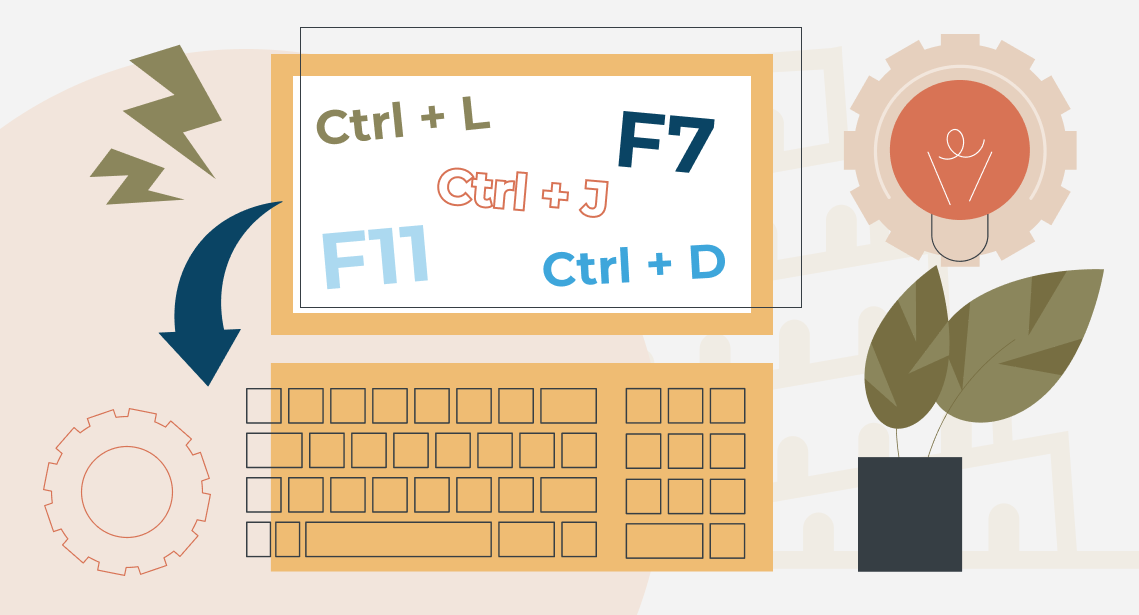
Useful Keyboard Shortcuts for Browsers
Handy keyboard shortcuts One sign of a proficient computer user is that they regularly use keyboard shortcuts. If something can be done with either the keyboard or the mouse, they will usually choose the keyboard. Most people primarily use a mouse when browsing the web. However, many browser actions can be performed just as easily—and, […]

How to Fix the “Error processing command line arguments” Issue in Trados Studio
About another Trados Studio issue Another Trados Studio quick fix: If you see this error dialog, it’s resolved the same way as the Access to the path … is denied error.

