Everybody Paints!
About neural art: DALL-E, Midjourney, Starryai, etc.
Neural networks, such as DALL-E, which generate impossible realistic images with a text description have brought dramatic distress among artists, especially illustrators and graphic designers. Why learn to paint if the computer can paint more, better, and more quickly?
Today, it is hard to say what kind of future is waiting for artists. This technology is new and feels like magic so far. But it seems that neural networks are going to play the same role in the world of artists as machine translation plays in the world of translators.
The same concerns were expressed by translators with the appearance of neural machine translation: why spend years mastering your profession if you can be easily replaced by a computer. But with time, it became clear that machine translation—at least in its present form—cannot fully replace a human. And instead of falling into despair, it is more sensible to learn to use the new technology. And those unable or unwilling to learn will have to leave the market.
Neural machine translation has brought quality requirements to a higher level and made those translators who fail to reach this level change their profession. In the same way, DALL-E and other similar neural networks will make those artists who cannot reach the quality level of DALL-E leave their profession as well.
Recommended content
How to Fix the “LNG Is Missing” Error in MultiTerm
How to Fix the “The Specified Project Name Is Invalid” Error in Trados Studio
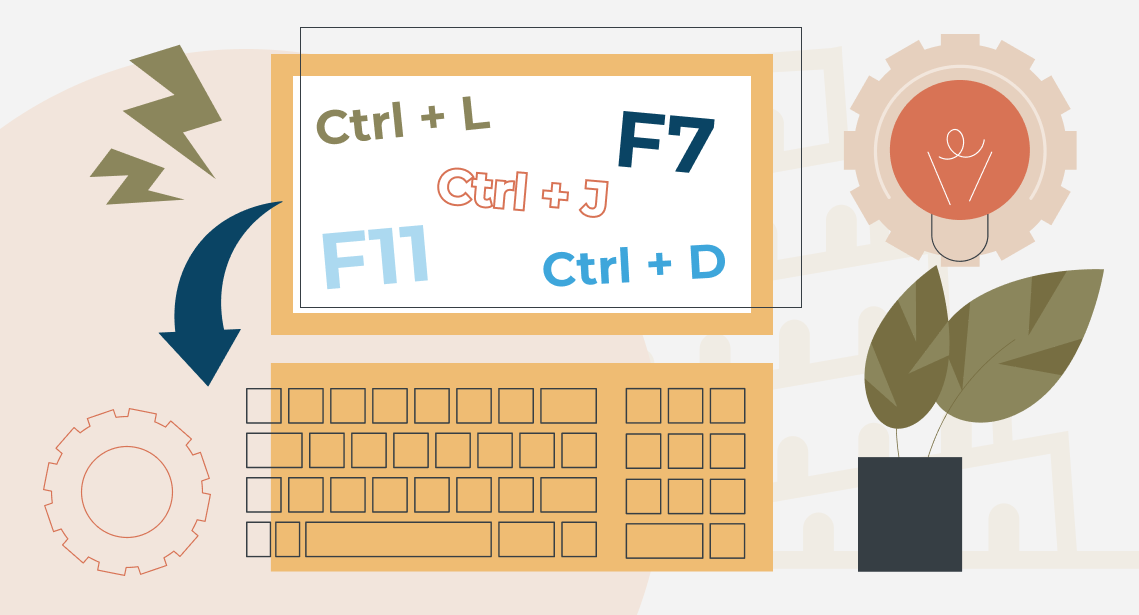
Useful Keyboard Shortcuts for Browsers

How to Fix the “Error processing command line arguments” Issue in Trados Studio


