our blog
Indirect signs that you are losing money
31 July 2026
Reflections based on observations
Computer
- You don’t know the version and bit depth of the operating system you are running.
- You don’t know the size of your computer’s C drive or how many disks it has.
- You don’t know how much permanent and RAM memory your computer has and how they differ.
- It takes you more than one second to find out how much free space you have on your current disk.
Files
- You can’t find a file from a project or job you worked on a year ago within one minute.
- The files you work with are stored on your computer’s desktop.
- You copy and move files with the mouse.
- You don’t know how to delete a file so that it doesn’t end up in the Recycle Bin.
- Your file manager does not display file extensions.
- You can’t visually tell the difference between RTF, DOC, and DOCX files.
- You don’t know how to convert XLSX to XLS and what troubles this operation can cause.
Programs
- You don’t know about the opportunity to launch programs without a mouse.
- It takes you more than one second to minimize all open programs.
- To close a document or program, you click the cross in the upper right corner of the screen.
- To go to the end of the document, you drag the slider down with the mouse.
- When working in a CAT program, you move from one segment to another with the mouse.
Word
- Your Word has extra tabs for Acrobat, MultiTerm, etc., even though you’ve never used them.
- Your Word automatically corrects spelling mistakes for you.
- You don’t know how to select one character, one word, one line, one paragraph with a single keyboard shortcut in Word and do all your selections with the mouse.
- If you want to move the text cursor to the beginning of a line, you click the left arrow and wait for it to get to the beginning of the line.
- To insert a red line in a Word document, you press the space bar repeatedly.
Text
- To switch languages, you click the language indicator.
- You spend more than one second typing quotation marks, dashes, and degree signs.
- You can’t tell the difference between OK and ОК, CMYK and СМУК.
- You don’t know how to type the dollar sign $ without switching to the English layout.
Internet
- You don’t know how to search for a term on a specific website instead of the entire Internet.
- You don’t know how to exclude pages containing certain words from your search.
- You don’t know how to search for a phrase exactly as you entered it.
- You don’t know how to search images.
- You believe that Wikipedia is a reliable source of information.
Recommended content
How to Fix the “LNG Is Missing” Error in MultiTerm
Troubleshooting a MultiTerm error If the LNG is missing message repeatedly appears when you launch SDL MultiTerm or work with terms—even though the program continues to function normally—there is a 99% chance that Trados Studio and MultiTerm are set to different interface languages on your computer. Set both programs to the same language, and the […]
How to Fix the “The Specified Project Name Is Invalid” Error in Trados Studio
Troubleshooting another Trados Studio error When creating a project in Trados Studio, you may see the following message: The specified project name is invalid. The name should not contain any invalid characters such as: \ / : * ? ” < > | If this happens even though the project name does not appear to […]
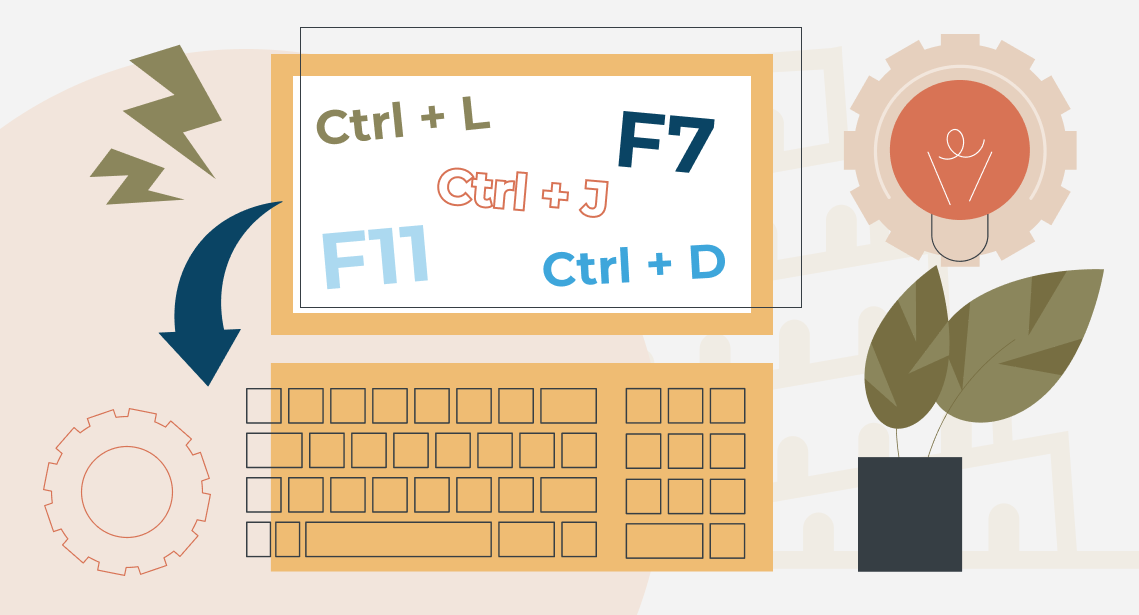
Useful Keyboard Shortcuts for Browsers
Handy keyboard shortcuts One sign of a proficient computer user is that they regularly use keyboard shortcuts. If something can be done with either the keyboard or the mouse, they will usually choose the keyboard. Most people primarily use a mouse when browsing the web. However, many browser actions can be performed just as easily—and, […]
How to Fix the “Error processing command line arguments” Issue in Trados Studio
About another Trados Studio issue Another Trados Studio quick fix: If you see this error dialog, it’s resolved the same way as the Access to the path … is denied error.

How to use the ampersand and how is it different from and
A little bit on how & is different from and The ampersand is a ligature that the Latin conjunction et, which means and, has been transformed into. Once upon a time, the ampersand was even considered the 27th letter of the alphabet. When pronouncing letters in the alphabet, it was ended with the words and […]

