our blog
Grammarly Keyboard, New Languages in DeepL, Group Transcribe from Microsoft, and Google Translate Superpowers
14 May 2021
Linguinews
- Grammarly Keyboard has learned to recognize the overall tone of a written message and define the kind of impression your text conveys to the readers. They say it can even detect sarcasm (oh hi Sheldon!). The tone detection works when you write at least 150 characters. Grammarly Keyboard can be found here, there is also an online version. The whole abundance of opportunities is available only in the paid version and only in English.
- DeepL gets the support of 13 new languages. Now it supports Bulgarian, Czech, Danish, Estonian, Finnish, Greek, Hungarian, Latvian, Lithuanian, Romanian, Slovak, Slovenian, and Swedish. The number of languages has doubled: there are 26 of them in total, but English (American), English (British), and Portuguese (Brazilian) are considered separate languages.
- Microsoft has launched an app on the market called Group Transcribe. It is designed to recognize and translate speech on the fly and fits the needs of meeting participants who speak different languages. Supporting over 80 languages, it works like this and is available only on iOS for now.
- An article in Multilingual is about some tricks you can do with Google Translate: offline translation, creation of personal dictionaries, operation in a conversation mode, and automatic pronunciation of text from videos. The article is not new, published in August, but only a few people know about these features.
Recommended content

How to use the ampersand and how is it different from and
A little bit on how & is different from and The ampersand is a ligature that the Latin conjunction et, which means and, has been transformed into. Once upon a time, the ampersand was even considered the 27th letter of the alphabet. When pronouncing letters in the alphabet, it was ended with the words and […]

How to split a large Trados Studio file into multiple parts
About splitting a large file into multiple parts How to split a large Trados Studio file into several parts: ➕ The plugin is free, simple, and effective. Trados Studio is not needed at all. ➖ It is better to use it only for splits, there are problems with merges. * * * ➕ Always works […]

T9N, L10N, I18N, G11N, C13N, M17N, V8N
Some slang abbreviations from the localization field Let’s check some slang abbreviations from the localization field. All of them are based on the principle of “taking the first and last letters of a word, cutting out the middle, and writing the number of the cut out letters instead.” These terms are vague, and their meanings […]
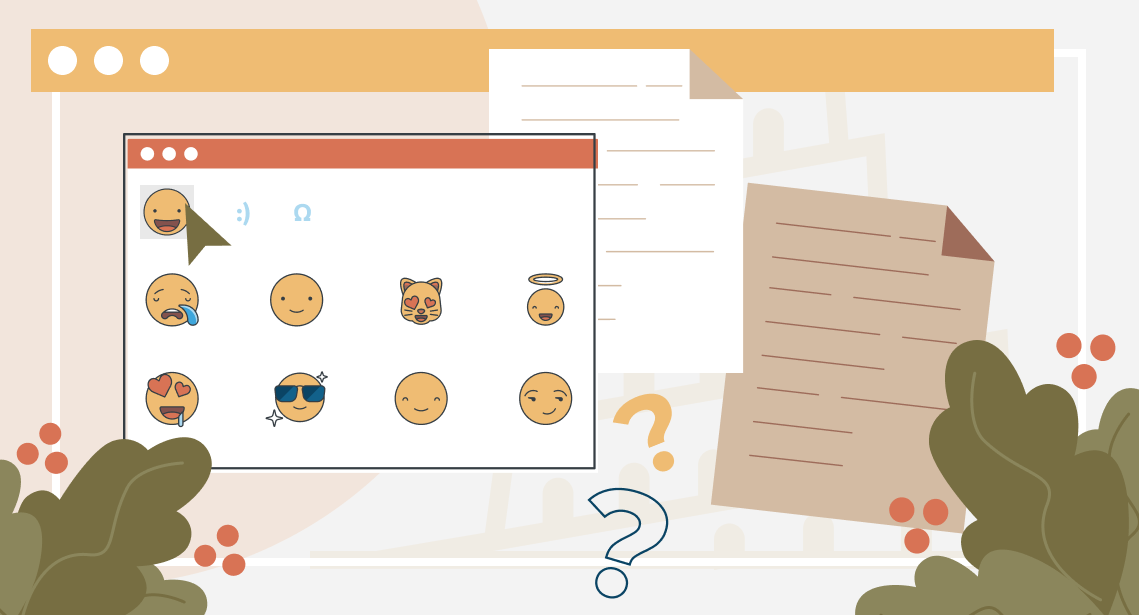
How to enter characters that are not on the keyboard
About ways to enter characters that are not on the keyboard If you’re working on Windows and need to type something that isn’t on the keyboard, press Win + ;. A small window will appear where you can choose the type of character you want (regular, emoji, or smiley) at the top and specify it […]
How to fix the “Value cannot be null. Parameter name culture” error in Trados Studio
About another error in Trados Studio If you create a project in Trados Studio and when asking to see a preview of the file, it says that you are not cultured enough, Value cannot be null. Parameter name: culture —ignore it: the project will be created properly and everything will be fine. It’s only the […]

